AI-генератор изображений
Большинство AI-генераторов изображений отдают вам PNG и на этом останавливаются. Целый вечер обычно уходит на то, что происходит после — увеличение разрешения, вырезание фона, исправление той самой руки, которая получилась неправильно, а затем встраивание результата туда, что вы на самом деле делали. uooki держит всё это в одной и той же сессии.
Что можно попросить
По одному предложению на каждое. Результат появляется на холсте рядом с диалогом и остаётся редактируемым там же.
Сгенерировать по описанию
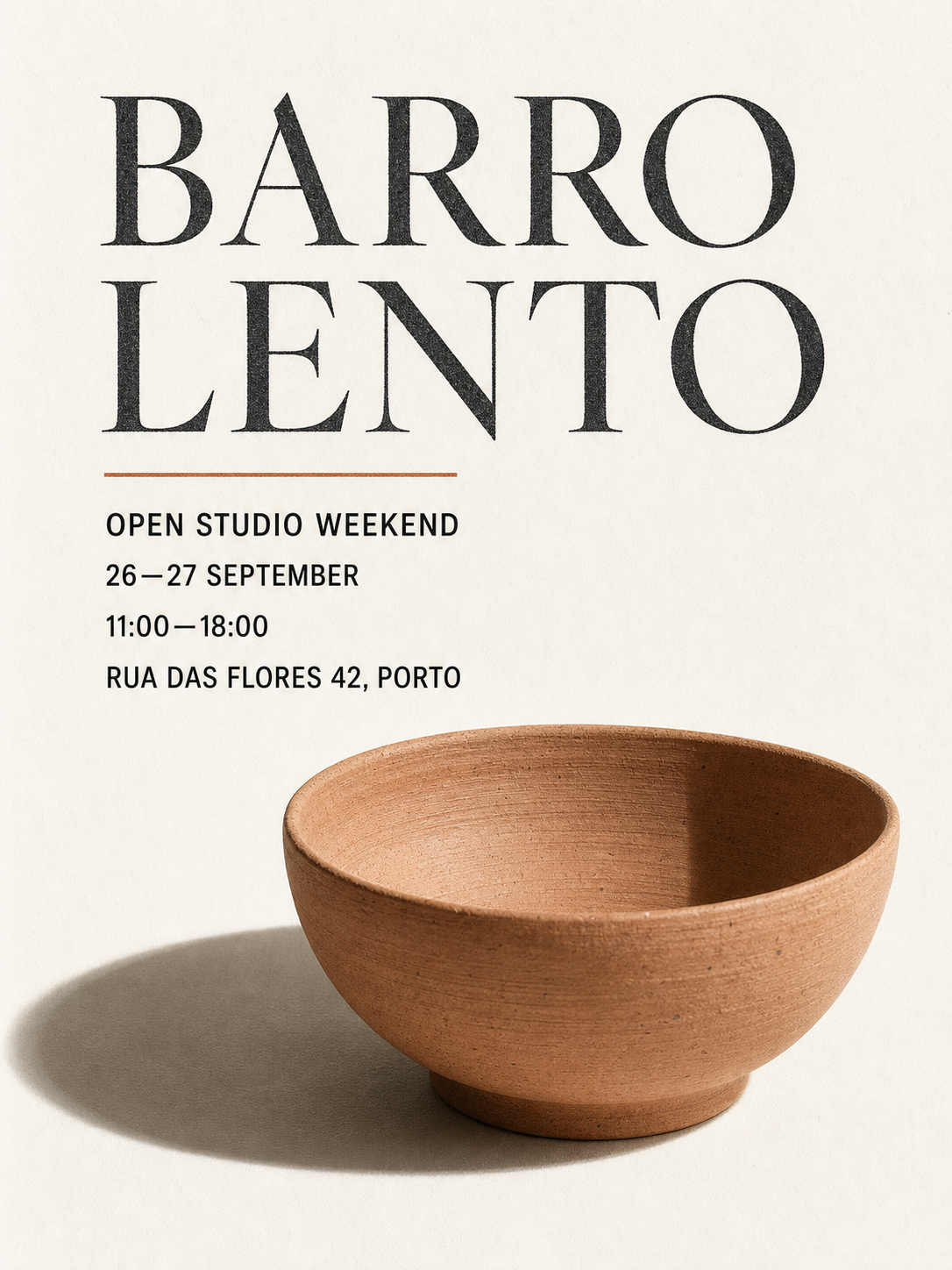
Набор постеров, макет меню, мудборд, инфографика по отчёту. Соотношение сторон и количество — часть предложения, а не формы.
Увеличить разрешение
Взять что-то маленькое или размытое и довести до размера, который реально можно напечатать или отправить в печать.
Убрать фон
Вырезать объект. Полезно в тот момент, когда изображению нужно оказаться на цветном участке страницы.
Перерисовать часть изображения
Указать на область и описать, что должно быть там вместо текущего, вместо того чтобы перегенерировать всё изображение целиком и потерять те части, которые были правильными.
Как на самом деле проходит сессия
Отличие от генератора в один клик — в том, что шаг 3 вообще существует: изображение всё ещё находится в рабочем пространстве, а не в папке загрузок.
- 01
Опишите
Обычное предложение. «Набор постеров для запуска продукта — матово-чёрная кофемолка для эспрессо, три размера, тёплая нейтральная палитра, без стоковых фото».
- 02
Посмотрите на холсте
Изображение открывается рядом с диалогом. Пока ничего не скачано, и ничего не финально.
- 03
Продолжайте работать над ним
Увеличить разрешение, вырезать фон, перерисовать часть — каждое из этих действий это ещё одно предложение в том же диалоге, и каждый результат заменяет предыдущий на холсте.
- 04
Пристройте его куда-нибудь
Скачайте, или попросите лендинг / презентацию, в которую оно должно войти. Изображение уже в сессии, так что оно встраивается без повторной загрузки.
Что обычно упускает «бесплатный AI-генератор изображений»
Почти каждый бесплатный AI-генератор изображений бесплатен только для самой генерации, а всё вокруг неё платное. Типичные формы: водяной знак, если не перейти на платный план, ограничение разрешения, из-за которого результат нормально смотрится на экране и бесполезен в печати, очередь, которая ставит бесплатных пользователей позади платных, и лицензия, которая незаметно запрещает коммерческое использование. Ничего из этого не видно в слове «бесплатно» — вы обнаруживаете это в момент, когда пытаетесь использовать файл.
Ещё одна упущенная вещь — это регистрация. «Без регистрации» обычно означает, что сгенерировать можно один раз прямо с маркетинговой страницы, а на второе изображение всё равно попросят аккаунт. Это честная сделка, но стоит знать, какую именно вы получаете, прежде чем строить на ней рабочий процесс.
Бесплатный тариф uooki — это 100 кредитов (разово), без карты, и это тот же продукт, что получают платящие пользователи, — единственное ограничение — это кредиты. Генерация и шаги редактирования расходуют один и тот же баланс, так что можно довести одну настоящую задачу до конца, а не увидеть только первый кадр.
Где генератора изображений перестаёт хватать
Генератор оценивается по одному кадру: вы печатаете, он рисует, вы оставляете или отбрасываете. Это правильная форма, когда изображение — это вся задача целиком: обои, аватар, один эффектный кадр.
Это неправильная форма, когда изображение — часть чего-то большего. Постеру для запуска нужно три размера. Макету меню нужна одна и та же обработка в каждом разделе. Лендингу нужно, чтобы иллюстрация была встроена в страницу, а не лежала рядом с ней. В таких задачах генерация — это, может быть, пятая часть работы, а остальные четыре пятых — это перемещение файла между четырьмя инструментами, которые ничего не знают друг о друге.
Именно для этого случая создан uooki: изображение, правки и то, во что изображение встраивается, — это одна сессия, и каждый шаг можно пересмотреть заново.
Частые вопросы
- Есть ли бесплатный тариф у AI-генератора изображений?
- Да — Free даёт 100 кредитов (разово), без карты. И генерация, и шаги редактирования расходуют один и тот же баланс кредитов, так что бесплатного тарифа хватает, чтобы довести настоящую задачу до конца целиком, а не увидеть только первый кадр.
- Сколько это стоит после этого?
- Starter — $12.9/mo ($9.9/mo при годовой оплате) за 5,000 credits/mo; Pro — $25.9/mo ($19.9/mo при годовой оплате) за 10,000 credits/mo. И изображения, и правки расходуют кредиты, так что сессия с большим количеством ретуши стоит дороже, чем одна генерация.
- Могу ли я отредактировать изображение, которое у меня уже есть?
- Да. Прикрепите его и опишите изменение. Увеличение разрешения, удаление фона и перерисовка области — всё это работает и на загруженном изображении, не только на сгенерированных в сессии.
- Нужно ли скачивать изображение, чтобы его использовать?
- Нет, и в этом весь смысл. Если следующее, что вам нужно, — это лендинг, презентация или отчёт, содержащие изображение, попросите об этом в том же диалоге — изображение уже в сессии и встраивается без повторной загрузки.
- Можно ли получить конкретное соотношение сторон или размер?
- Укажите это в предложении — «три размера: квадрат, портрет и широкий баннер» — работает. Спросить об этом позже тоже работает, потому что изображение всё ещё в сессии; вы не перегенерируете с нуля, а просите другой кадр той же задачи.
- На результате есть водяной знак?
- Нет. То, что возвращается на бесплатном тарифе, — это тот же файл, что получает платящий аккаунт. Разница между тарифами — в балансе кредитов, а не в результате.
- Какая модель используется?
- Маршрутизация происходит по типу задачи, а не через выбор модели вручную: генерация, увеличение разрешения, удаление фона и перерисовка каждая уходит к той модели, которая настроена под эту задачу, а настройка меняется по мере смены моделей. Вы описываете результат; выбор модели — не ваша забота.
[ sources ]
- Тарифы uooki — checked 2026-07-29
Try it on your own brief.
Describe what you need in one sentence. uooki takes it from prompt to a finished, usable product. The Free plan is $0 and starts with 100 one-time credits.
[ keep reading ]
- AI website builderAn AI website builder comparison built around what actually decides it: what the free tier includes, whether hosting is bundled, and whether you can sell. 10Web, Wix, Framer and uooki, priced.
- AI dashboard generator for freeA free AI dashboard generator that returns an interactive dashboard you can click, filter and share — built from your description or your spreadsheet, starting at $0 with 100 credits.
- Best prompt to website generatorLooking for the best prompt to website generator? uooki turns one sentence into a running site you can open and share — real code in a sandbox, not a static mockup or a template fill-in.
- Best AI report generator for studentsThe best AI report generator for students writes the researched content with sources, not just the layout. How it differs from design tools like Piktochart, and how to use one without cheating.