AI image and video generator that holds together
One picture needs a sentence. A set of ten needs a direction. uooki fixes the colours, light and style once, then makes every image to match, and edits one image without redrawing it.
How the work is briefed
For a set, uooki states the art direction first (two or three anchor colours as hex values, the light, the materials, the mood), shows it to you, and repeats those exact words in every image so the set matches. It counts what you asked for, says the number, makes exactly that many, and tells you which is which. It makes the first image alone and uses it as the reference for the rest. Text inside an image is placed in quotes exactly as you wrote it. When one thing needs to change, it edits that image with a single instruction instead of generating again. Video clips are written as one action and one camera move.
Direction first
Palette, light and style are fixed before the first image, so a set looks like a set.
Change one thing
Another background, a different colour, an object removed: edit the picture you have. Upscaling and background removal are available too.
Any shape
Banner, feed, story or poster ratios (16:9, 1:1, 9:16, 3:4) are composed for the shape, not cropped.
At a glance
Keep going with another skill
Made with Uooki
A set in one look
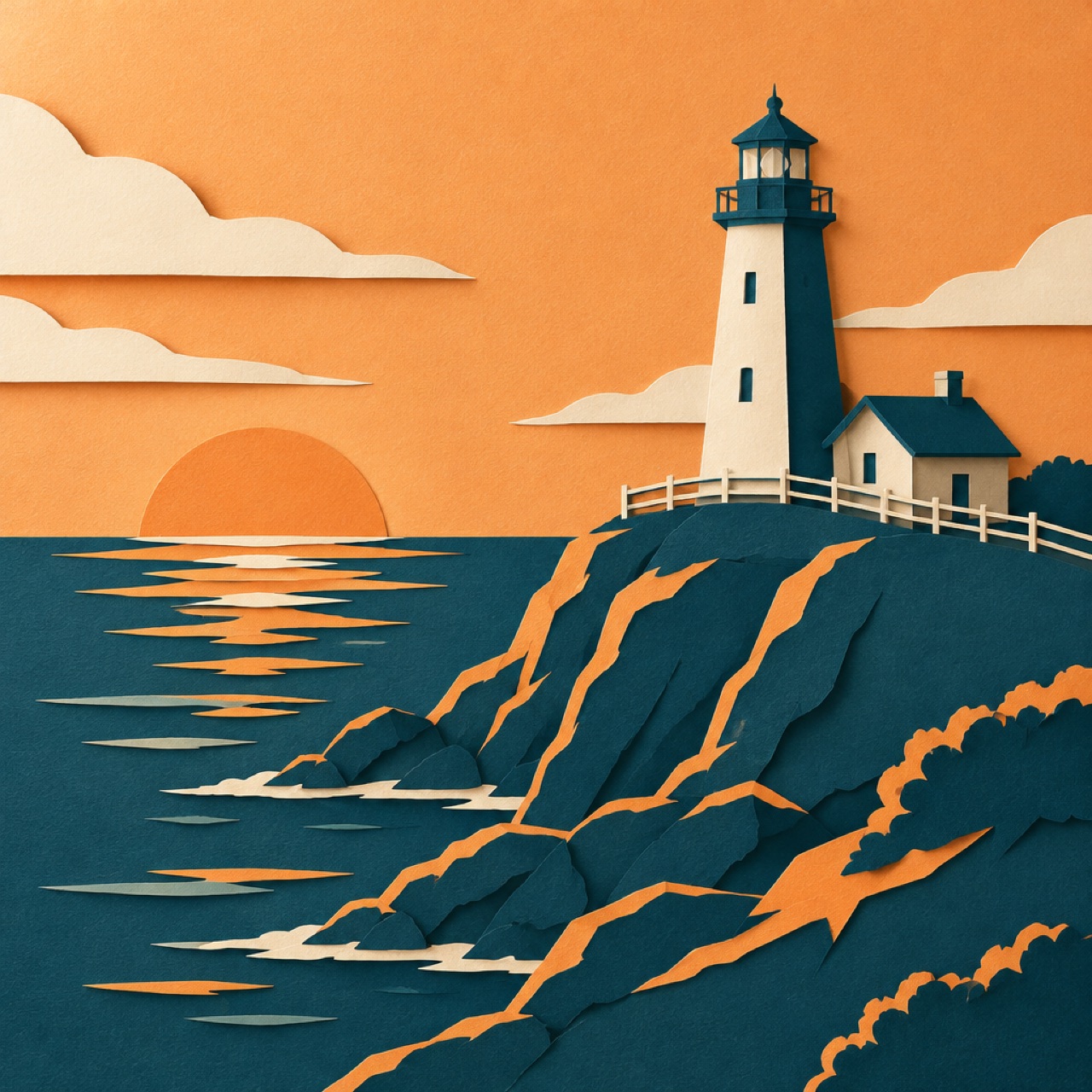
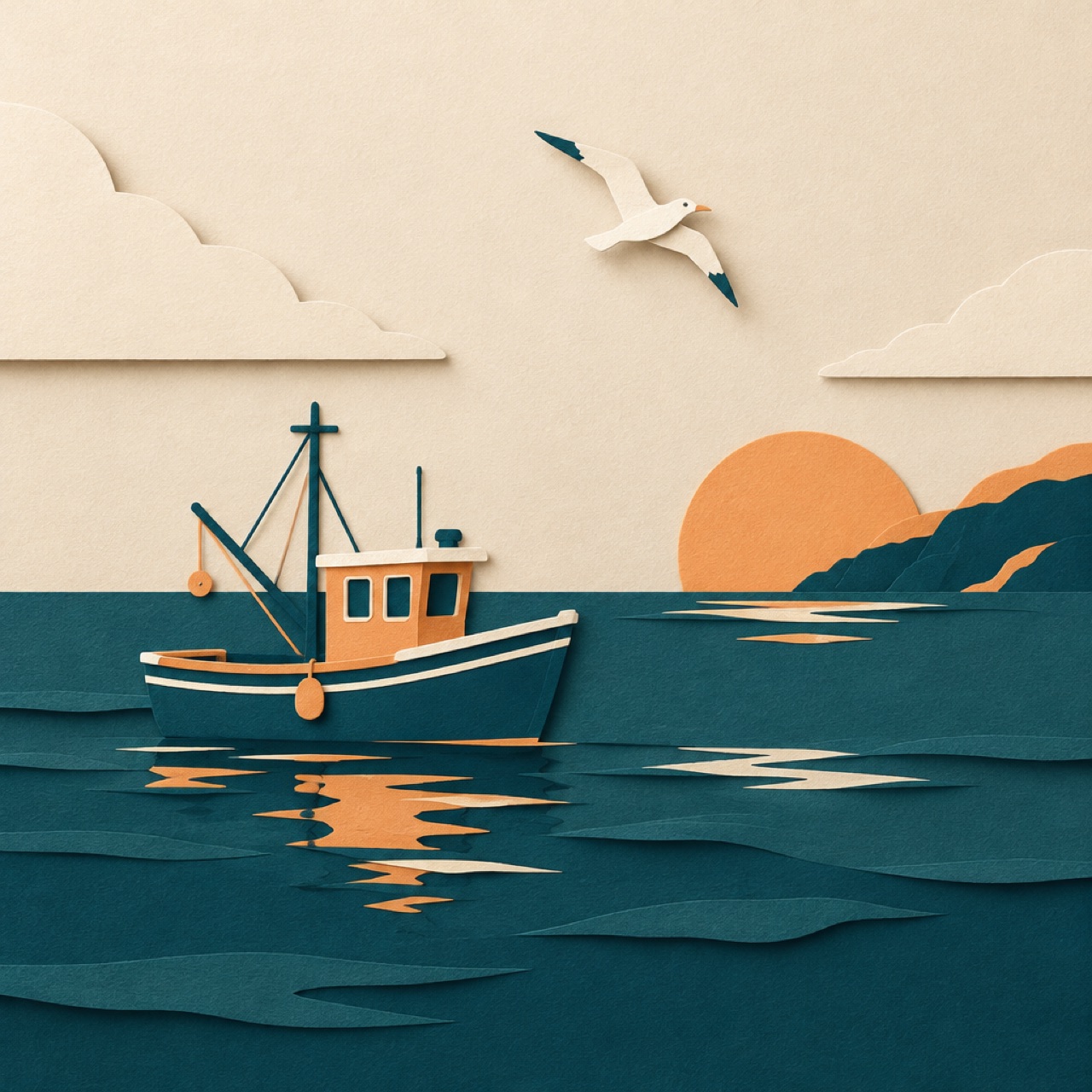
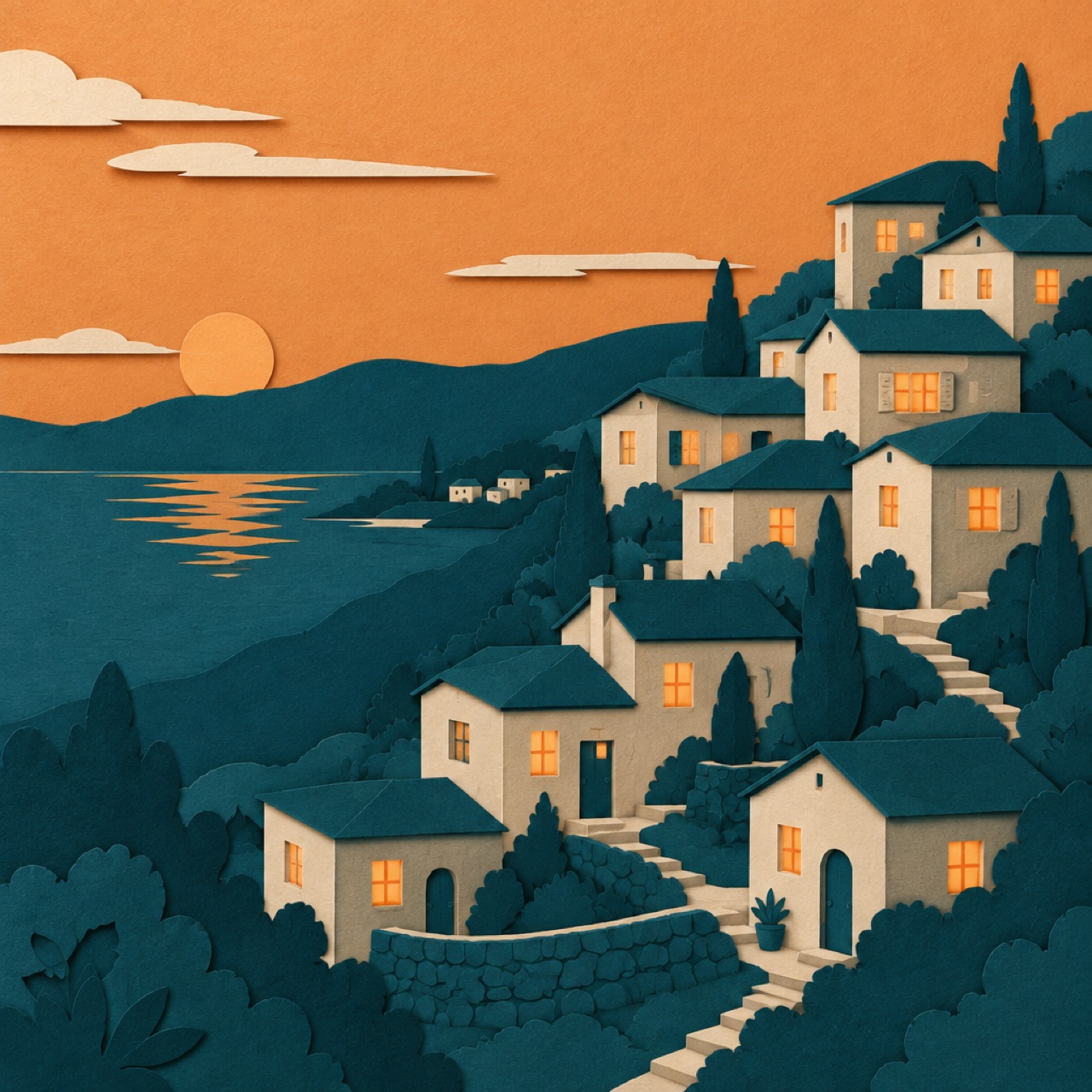
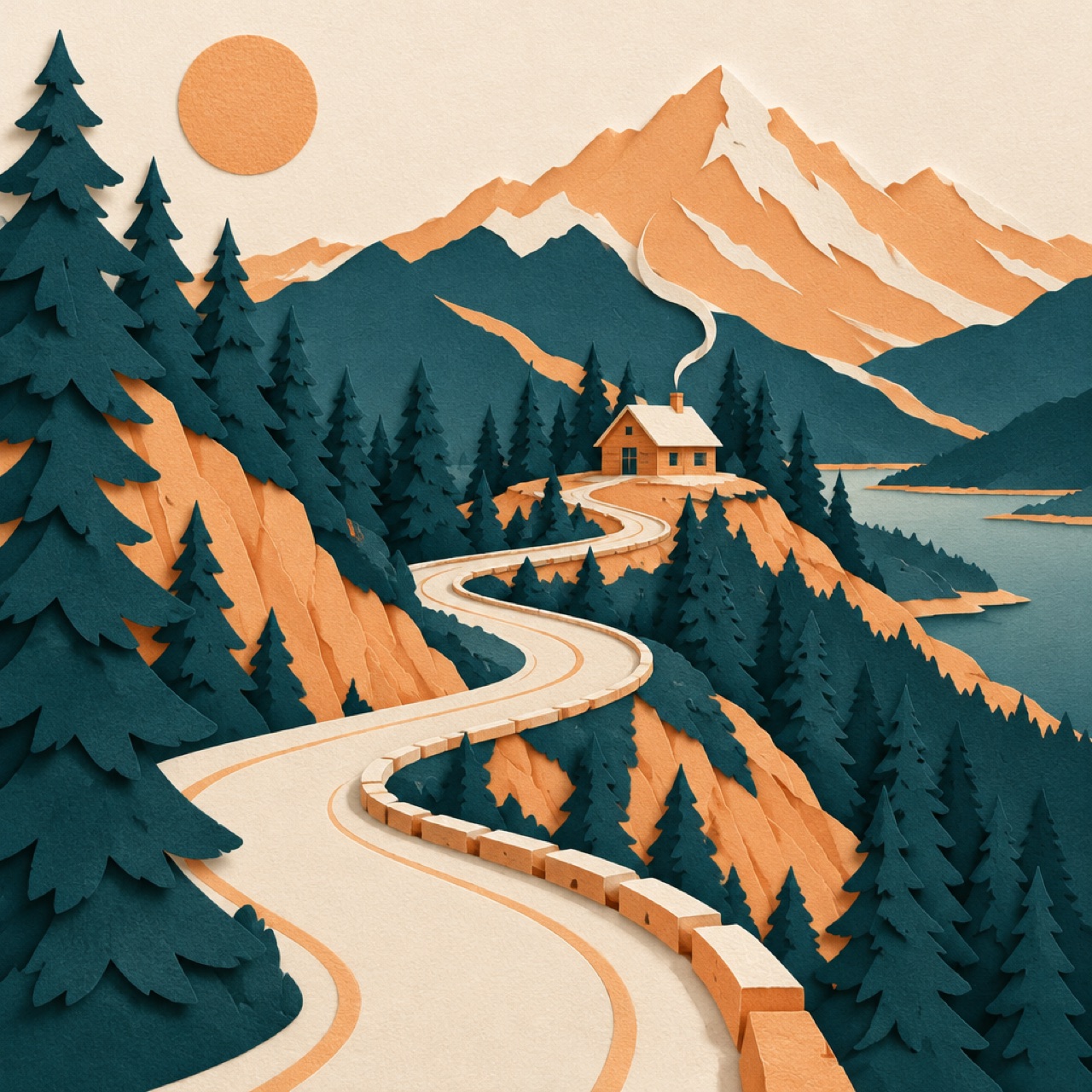
Four images from one brief. The same art direction is repeated in every prompt, so they read as a family.
Art direction (in every prompt): Paper-cut layered illustration, two anchor colours only — deep teal #0F4C5C and warm apricot #F4A261 — with off-white #FAF3E7 paper highlights; soft studio light from the upper left; matte paper texture and visible layered shadows; calm, quiet mood. No text, no logos.
Exact text inside an image
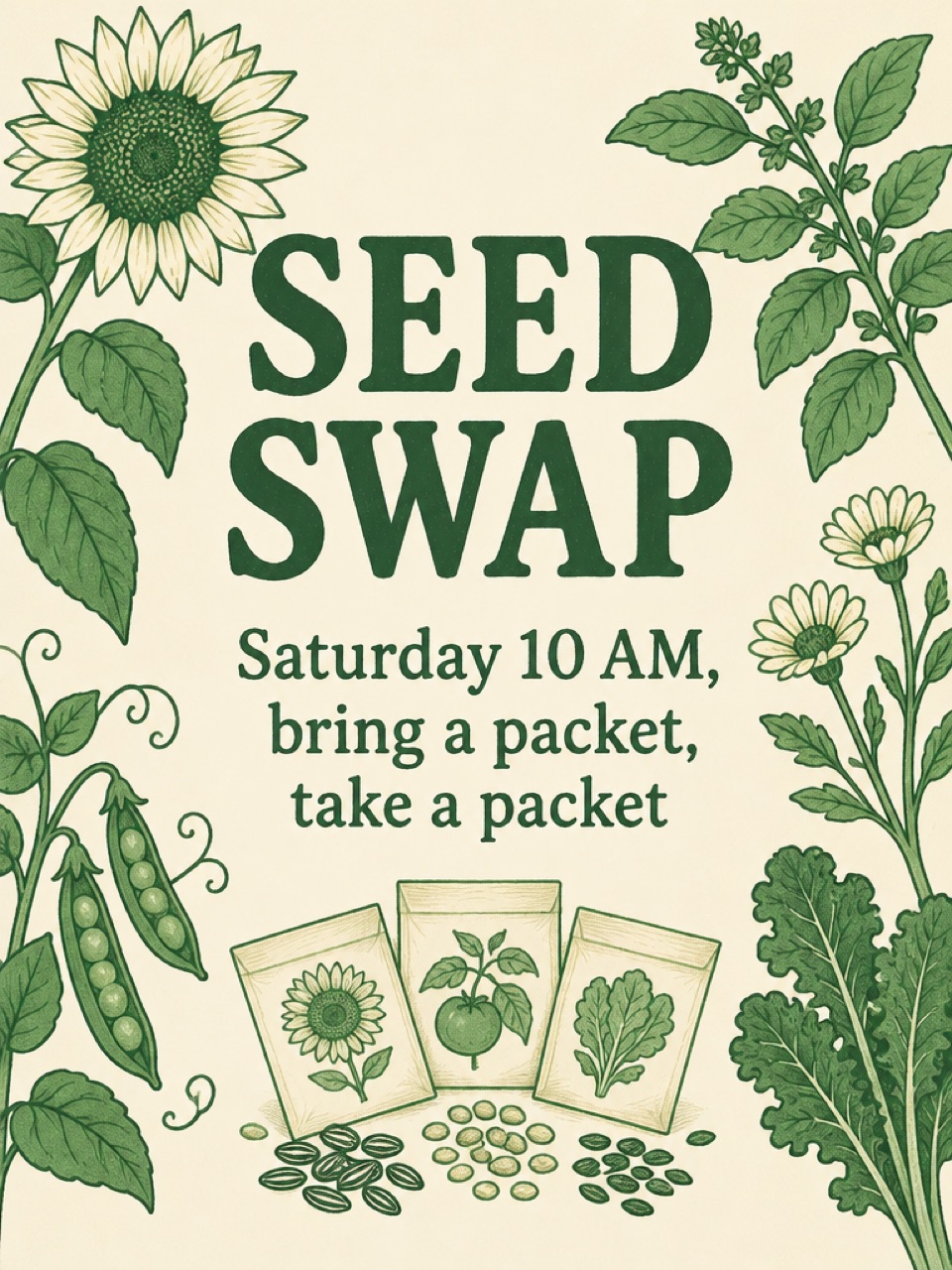
The wording goes in quotes exactly as written, and the image shows it as given.
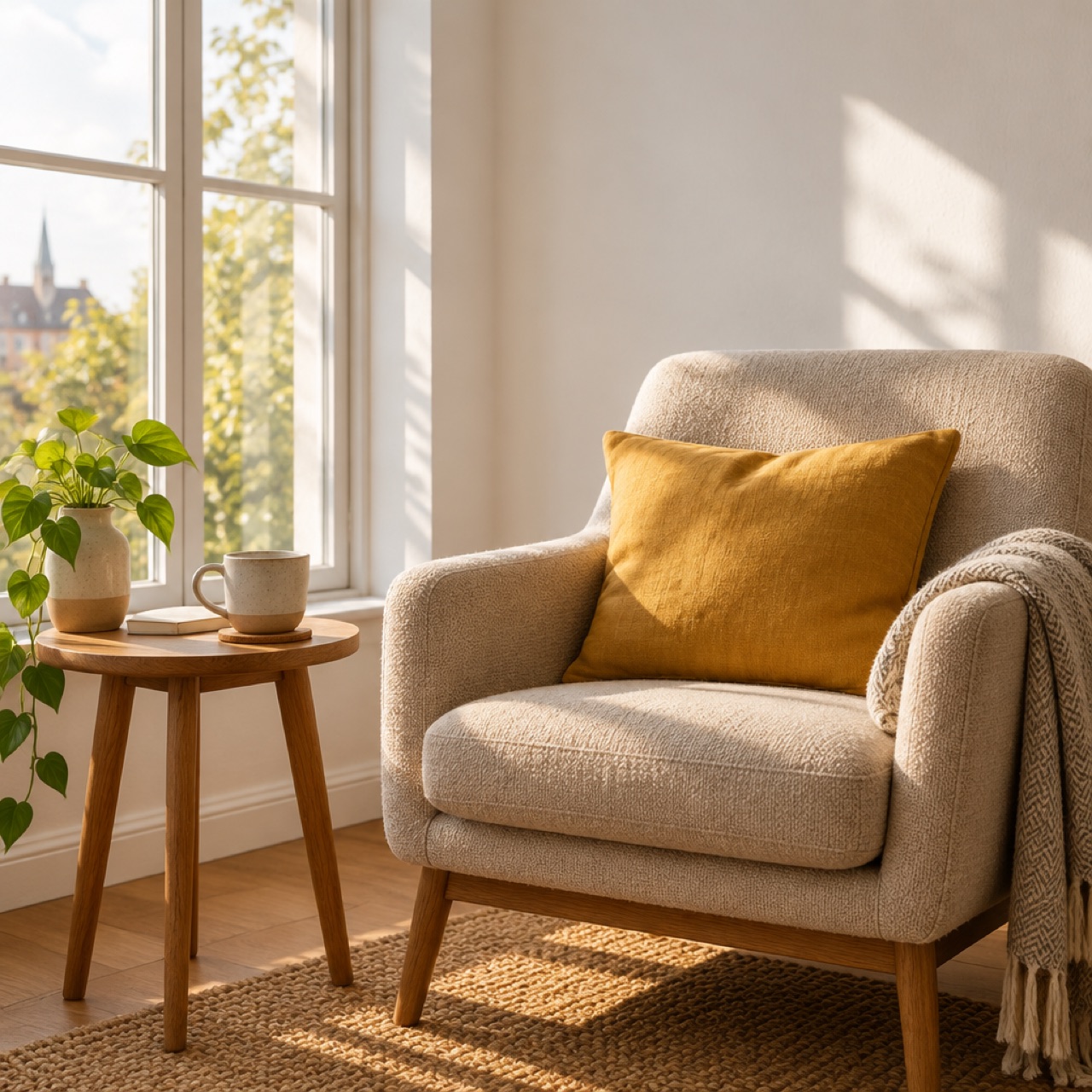
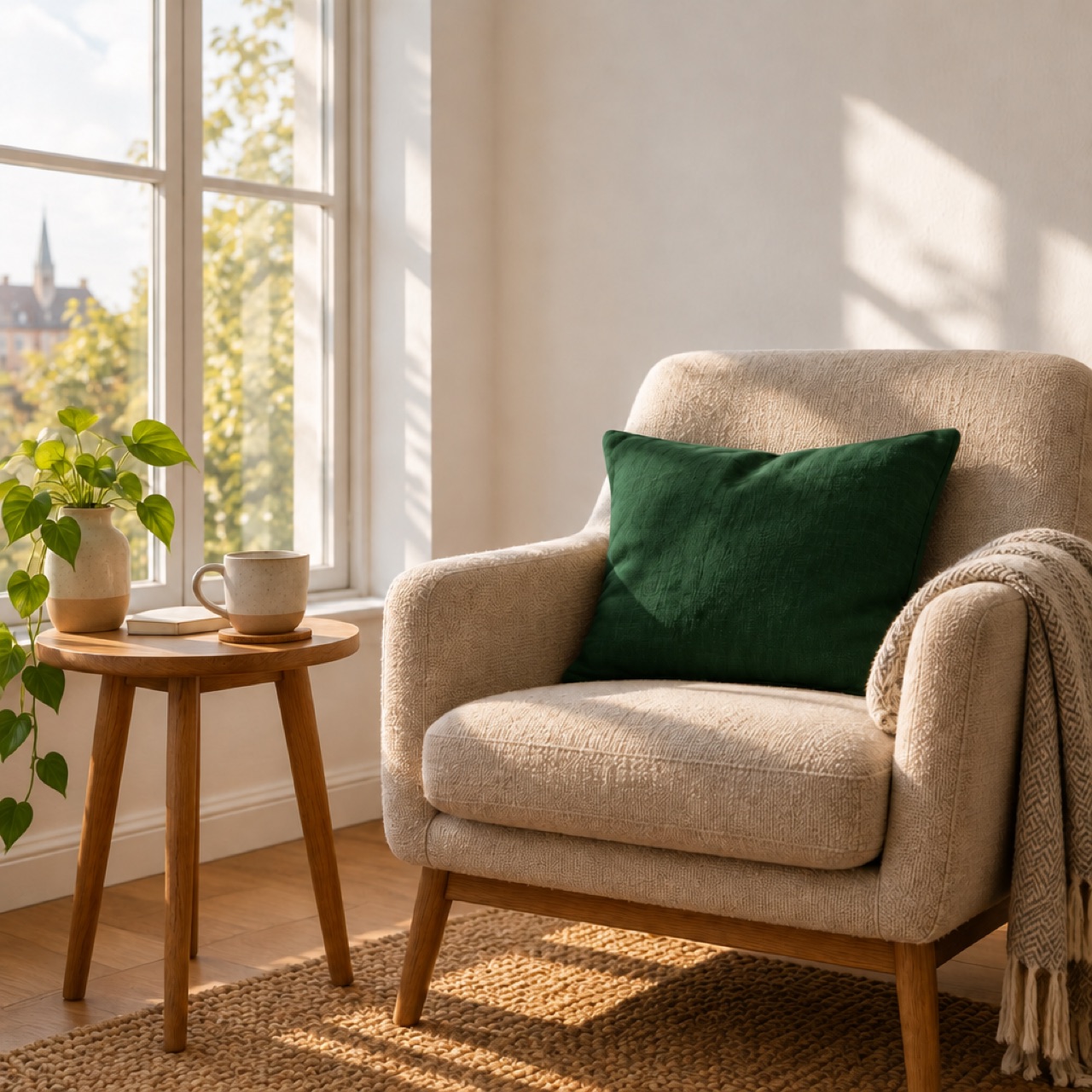
One sentence, one edit
One instruction changed the cushion from yellow to deep green. The view outside the window and some small objects changed as well.
A real run: a one-page infographic from survey numbers
This run is public in the gallery. The numbers were typed into the message; the request said not to search the web or run code.
Prompt as typed (English): Create an infographic from this survey summary. It is our internal survey of 1,500 mid-size companies, 2026: 58% are hybrid, 24% are fully remote and 18% are fully on-site. Average office space per employee fell from 160 to 110 square feet, a 31% cut. The top challenges are time-zone communication at 41%, onboarding at 33% and culture at 26%. Make it one vertical infographic that is clean and easy to read. Do not search the web and do not run any code.
- About 1 minute 20 seconds from send to a finished vertical infographic, made with one image generation.
- Every figure in the image is one the user typed: three work-location shares, space per employee falling from 160 to 110 square feet, and three ranked challenges. The footer names the user’s own survey as the source and says the values are rounded.
- The run itself warned that generated images can mangle small type, asked the user to check every label and percentage against the source, and offered to regenerate any part that was off.
Frequently asked questions
- How does it keep a set of images consistent?
- For a set it states the art direction first (anchor colours as hex values, the light, the materials, the mood), shows it to you and repeats those exact words in every image. It makes the first image alone and uses it as the reference for the rest.
- Can it change one image without redoing it?
- Yes. When one thing needs to change, it edits that image with a single instruction instead of generating again. Upscaling and background removal are also available.
- What about text inside an image?
- Text goes in quotes exactly as you wrote it. Keep it short; if a line comes out wrong, that image is fixed with an edit.
What people ship with this
A campaign set
Several images that read as one family.
Examples · Six Instagram posts for a ceramics studio's autumn launch, one consistent warm look
Same product, new scenes
The product stays identical; the scene changes.
Examples · Put this product photo on a kitchen counter, a picnic blanket and a desk, keeping the product identical
A short clip
One action, one camera move.
Examples · A short clip of steam rising from a coffee cup, slow push-in, morning light